Agentic Coding · Claude & Codex
tmux as a transparent orchestrator for long agent sessions
Why a plain terminal multiplexer beats bespoke agent frameworks for long generation runs, and five tmux practices each learned from a real failure.
· 4 min read
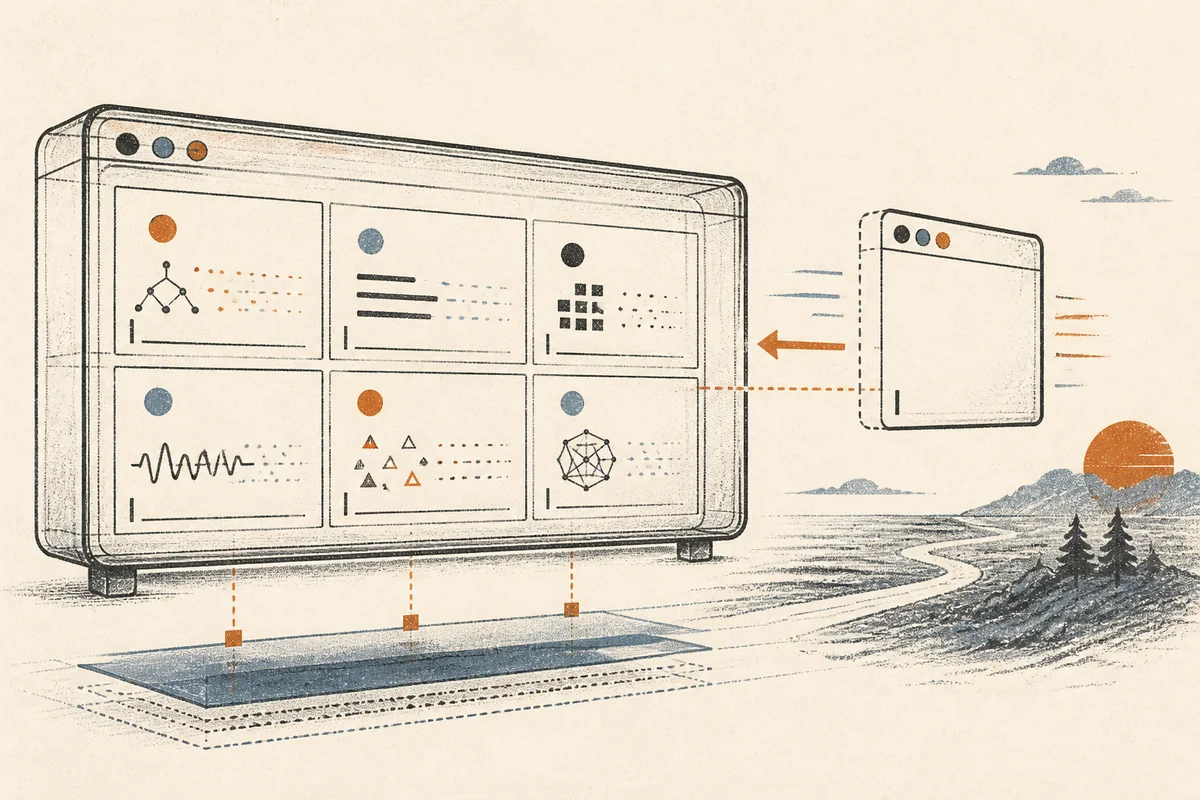
Long generation runs need an orchestrator that survives the orchestrating agent. A coding agent’s session dies with its context window, while a batch job that takes six hours has to keep running long after that window closes. I have written before about keeping orchestration on the lowest workable layer; this note is about the specific layer I keep landing on. My answer, after several deleted attempts at something fancier, is tmux, the terminal multiplexer: “it lets you switch easily between several programs in one terminal, detach them (they keep running in the background) and reattach them to a different terminal.” That one sentence from its own wiki captures the entire orchestration model I use.
The mechanism
The loop is three commands. The supervising agent starts a worker in
a named session (tmux new-session -d -s worker1 'python drive.py'),
injects input with tmux send-keys -t worker1 'text' Enter, and
observes with tmux capture-pane -t worker1 -p, which prints the
pane’s current contents as plain text. The supervising agent sends
input, waits, then reads the pane back; those three steps, repeated,
are the whole loop. No API (application programming interface)
surface, no message broker, no framework. The processes keep running
when the supervising agent’s context ends; therefore the next agent
session, or a human, picks up exactly where things stand by reading
the same panes.
Transparency is the property that makes this work, and it cuts both
ways. The agent sees precisely what a human would see in the
terminal; the human can tmux attach at any moment, even
from a phone across the world,
and watch the same panes live, type into them, or kill one, without
either party needing a dashboard built for the purpose. It should be
noted that the vendors ended up in the same place:
Claude Code’s experimental agent teams
offer a split-pane display mode that literally requires tmux.
I have run pools of a dozen-plus panes this way, each pane a worker agent in full-auto mode working through a queue for hours, with a supervising session checking heartbeats and restarting stalled workers.
The temporary sudo pattern
The same mechanism at size one solves a different problem: root access for an agent, scoped in time instead of granted in config. Some legitimate agent work needs root and cannot be faked around it, kernel and systemd debugging, firewall changes, security posture scans. Both standard options are unsatisfactory: writing NOPASSWD sudoers entries hands out standing privilege that outlives the task. In contrast, approving the agent’s sudo commands one prompt at a time trains you to stop reading them, and an approval given by reflex provides no review. Consequently, that approval fatigue removes real review rather than adding it.
The tmux version: I open a session myself, run sudo -i in it, and
type the password with my own hands. The root shell now lives in a
named pane. The agent drives it with send-keys, one command at a
time, reading each result with capture-pane; I can attach and watch
the same pane whenever I want, and the pane’s scrollback is the audit
log. When the task ends, the session dies and the privilege dies with
it. The human grants root once, visibly, and the agent drives a window
that I opened and never holds a credential of its own.
This pattern needs more care than anything else in the note. Nothing unattended ever drives that pane; no scheduler, no schedule-time automation, only a live supervised session. One command per send, capture between, and anything destructive still gets human eyes before Enter. The pattern’s whole value is that the privileged surface stays small, visible, and temporary; automate it casually and you have rebuilt NOPASSWD with more moving parts.
Five practices, each learned from a failure
(1) Plain text through send-keys, always. The temptation is to pipe
encoded or multiline payloads through the pane; both end in tangled
quoting. My worst self-inflicted outage this month came from
threading a sed edit of a server config through send-keys: three
layers of quoting, one mangled escape, and the config failed
validation. Stage complex content as a file first, then send the
one-line command that applies it.
(2) Capture after a delay, and never assume. send-keys returns
instantly; the command it triggered has not run yet. Sleep a couple
of seconds, then capture-pane -p, then decide. Skipping the capture
step turns the orchestrator from closed-loop to open-loop, and
open-loop agents claim success on commands that failed.
(3) State lives in files rather than panes. A pane shows the present; a queue file with one line per item, marked done or failed, is what makes the run resumable after a crash, a reboot, or an agent handover. Workers update the state file; supervisors read it, and heartbeat timestamps expose stalled workers without parsing any terminal output.
(4) Name everything, kill deliberately. Sessions named for their job
(enrich-pool-3 instead of the default 0), and an explicit kill at the end of a run.
Orphaned panes outlive everyone’s memory of starting them; I once
found a forgotten dev server that had held a port for four months
because its pane came up in the wrong order at boot and nobody looked.
(5) The multiplexer is the supervisor, cron is the scheduler. tmux keeps processes alive and observable; it does not restart them at 06:00. For runs that must survive days, the scheduler starts or checks the tmux session, and the session hosts the work. Mixing the two roles, however tempting a single tool feels, produced every orphaned pane that practice (4) later had to clean up.
The next measurement, dated 2026-07-13: my current worker pools log per-item wall time to their state files, and I want a week of those numbers to compare pane-count against throughput; the hypothesis is that beyond eight or so concurrent panes, queue contention eats the gain. Results will land here.