Guide · Claude & Codex
OpenAI Codex in 2026: capabilities, surfaces, and how it works
A maintained third-party reference to OpenAI Codex: the CLI, IDE, cloud and app surfaces, AGENTS.md configuration, skills, MCP support, plans and access.
· Updated · 5 min read
The repository behind the OpenAI Codex CLI (command-line interface) has collected 95,570 GitHub stars in the 448 days since it opened in April 2025, which works out to roughly 210 new stars per day, sustained for fifteen months (counted from the repository on 2026-07-05). A tool adopted at that rate deserves a current reference page, and I could not find one outside vendor documentation; therefore I maintain this one. Codex is OpenAI’s coding agent: software that reads, edits, and runs code in your repositories, working from natural-language instructions. I use it daily alongside another agent, and this page is checked against the official documentation on the date in the changelog below.
Everything here is verifiable against the linked sources. Where I add my own judgment, I say so.
What Codex is
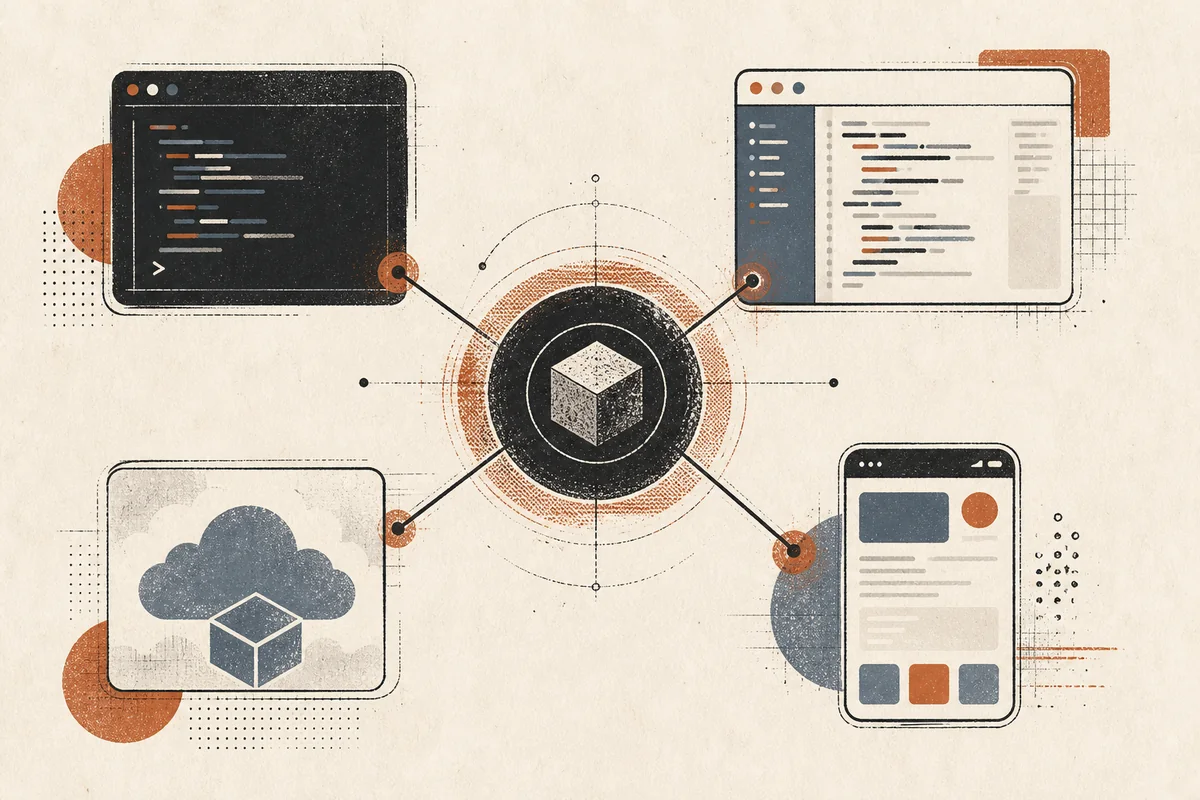
Codex is a single agent exposed through four surfaces that share your account, your configuration, and the underlying models:
| Surface | What it is | Best for |
|---|---|---|
| CLI | Terminal UI (codex), open-source client |
Daily interactive and scripted work |
| IDE extension | Editor integration | Inline diffs, kicking off cloud tasks |
| App | Desktop application | Project sidebar, thread review |
| Cloud | Sandboxed remote runners | Background and parallel tasks, GitHub-native work |
Access comes through ChatGPT plans (Plus, Pro, Business, Edu, Enterprise all include Codex) or an API key (source).
The CLI
Install (docs):
curl -fsSL https://chatgpt.com/codex/install.sh | sh
# or: npm install -g @openai/codex
# or: brew install --cask codex
Running codex opens an interactive terminal UI. Configuration lives
in config.toml, with environment-variable overrides
(CODEX_NON_INTERACTIVE=1 exists for unattended setups). The /model
command switches models and reasoning levels mid-session.
Three CLI capabilities deserve specific mention.
(1) Approval modes. Codex ships graded approval settings, from confirm-everything to full autonomy, configured rather than prompted. In my experience this is how the CLI behaves by default: set the policy once and it runs long stretches without asking. That behaviour is exactly what a batch pipeline needs; for interactive work on code you care about, however, it deserves a second thought before you raise the autonomy level.
(2) Local code review. The CLI can carry out a separate agent pass to review changes before you commit them. A reviewer that did not write the code catches different mistakes; this builds that pattern in.
(3) The rest of the toolbox. In addition to the two capabilities above, the CLI accepts image input (screenshots, design specs), generates images, runs subagents for parallel subtasks, performs web search, and can launch and monitor cloud tasks from the terminal (docs).
Codex cloud
The cloud surface runs tasks in sandboxed remote environments that you configure per repository: the repo, setup steps, and available tools (docs). Tasks run in the background and in parallel.
The GitHub integration is the notable part. After connecting your
account, you can tag @codex on issues and pull requests, and the
agent spins up a task and proposes changes as a PR (pull request)
directly from GitHub. The IDE (integrated development environment)
extension bridges the two worlds: start a cloud task from the editor,
watch progress, then apply the resulting diff locally.
It should be noted that I could not verify the concrete usage limits of cloud tasks today. The official cloud page documents the mechanism (background execution, parallel tasks, per-repository environments) but publishes no figures for how many tasks may run in parallel or how long a single task may run, and I have not measured those ceilings myself. The reference still holds for what it covers, because surfaces and mechanisms change slowly while quotas are plan-dependent and change quietly; when I need a ceiling, I test it on my own plan rather than cite an unverifiable number here.
The practical split, as I use it: CLI for anything I am watching, cloud for anything I would otherwise queue for later.
Configuration: AGENTS.md, skills, MCP
Codex reads AGENTS.md, the cross-tool
instruction file convention, for project context
(docs). One file tells the
agent your build commands, conventions, and rules. Because other
agents read the same convention (or import it), a single instruction
file can drive a multi-agent setup; I cover the wiring and the
content rules in a separate guide.
Beyond the instruction file, Codex supports a skills system for reusable workflows, hooks, plugins, and the Model Context Protocol (MCP) for connecting third-party tools. MCP support means the same tool servers you run for other agents work here too.
What is open source and what is not
The CLI client is open source under Apache-2.0, written in Rust (96.4% of the repository by language share, counted on 2026-07-05 alongside the star figure above). Consequently, you can audit the code that executes commands on your machine.
The models the client calls are proprietary, served through your ChatGPT plan or API key. “Codex is open source” therefore means the harness is auditable while the weights stay closed. If you want actual open-weight coding models, that is a different decision with different economics.
Codex next to Claude Code
The two dominant coding agents converged on the same core loop in 2026: read files, run commands, edit, verify. The differences sit at the edges. Codex offers the auditable client and a configure-once, run-long default; the alternative ecosystem, in contrast, is deeper on extension machinery. I run both daily against the same repository and wrote up the comparison and the split that emerged separately, including where each one is slower than the marketing suggests.
TODO (July 2026): two events trigger the next re-check of this page. Firstly, OpenAI publishing concrete cloud task quotas (parallel task count, maximum task duration), which would close the verification gap noted in the cloud section. Secondly, the next Codex CLI release that changes the approval-mode configuration, since that section carries the most of my own judgment. At the re-check I will also re-count the star and language-share figures, which change daily.
Changelog: 2026-07-06: register pass (removed negation-antithesis openers, de-anthropomorphized ‘temperament’). 2026-07-05: rewritten in the house register; star and language-share figures counted fresh; facts, sources, and links unchanged. 2026-07-04: first published; all claims checked against the official Codex docs and repository on that date.
Sources
More From the Notebook
Why agent distillation needs separate success, constraint, and cost metrics
· 3 min read
Goal, loop, brainstorm: three ways to run the agent's loop
· 3 min read
1M-context Opus on the $200 Max plan: what is included and what is capped
· 3 min read